A Settings screen, and softer shadows
A day about seeing: how far, how cheaply, and how the shadows look once you do.
A first Settings screen
The Settings item on the main menu and the Escape menu used to do nothing. Now it opens a screen in the menus' look, and its first row is render distance: how far out the world is drawn and kept alive. A slider sets it, by dragging the handle or clicking the arrow at either end.
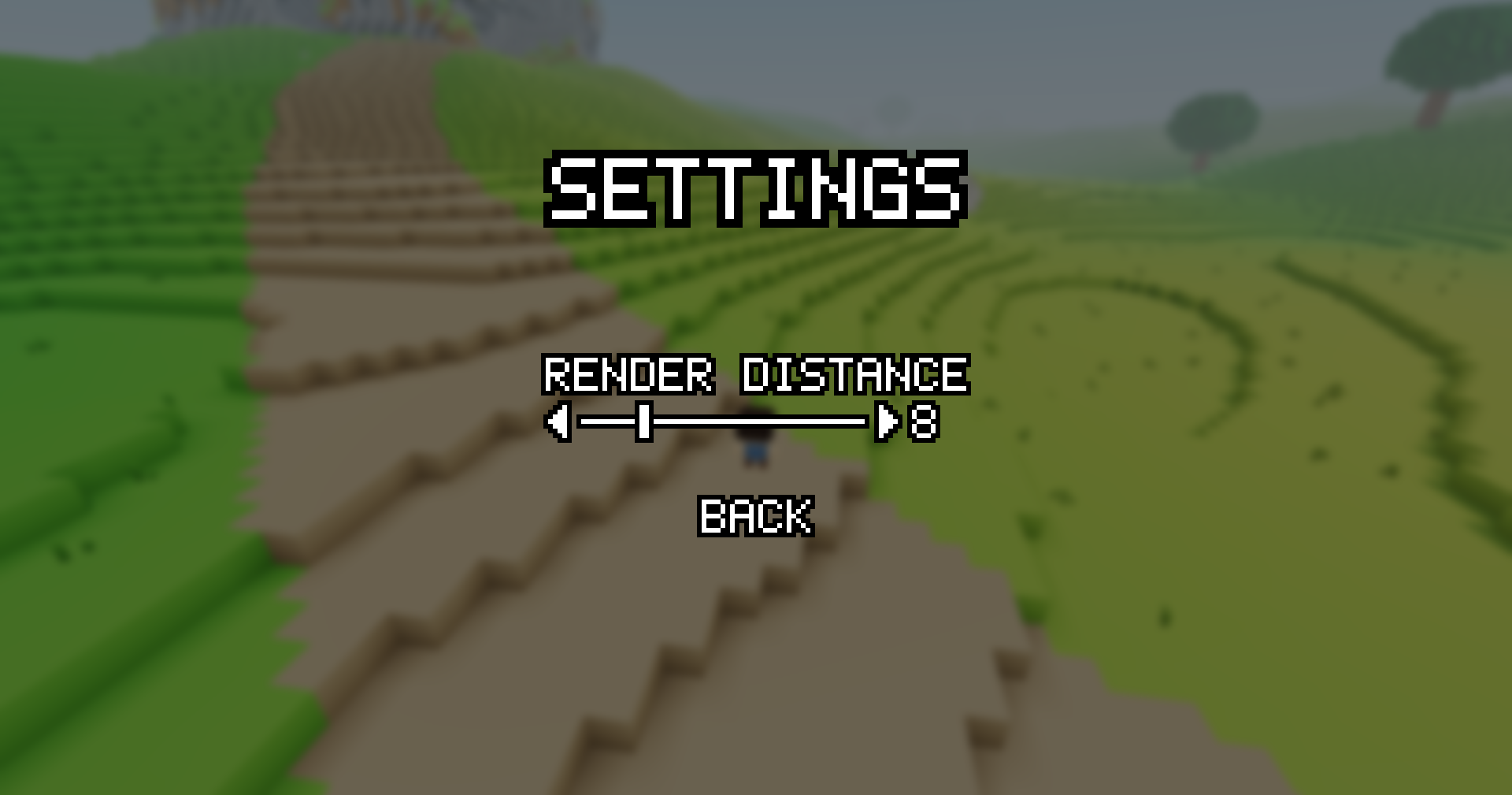
The change lands when you leave the screen, and the world fills back in at the new distance. The choice is kept between launches. Creatures past the edge wait where they are until you come back in range.
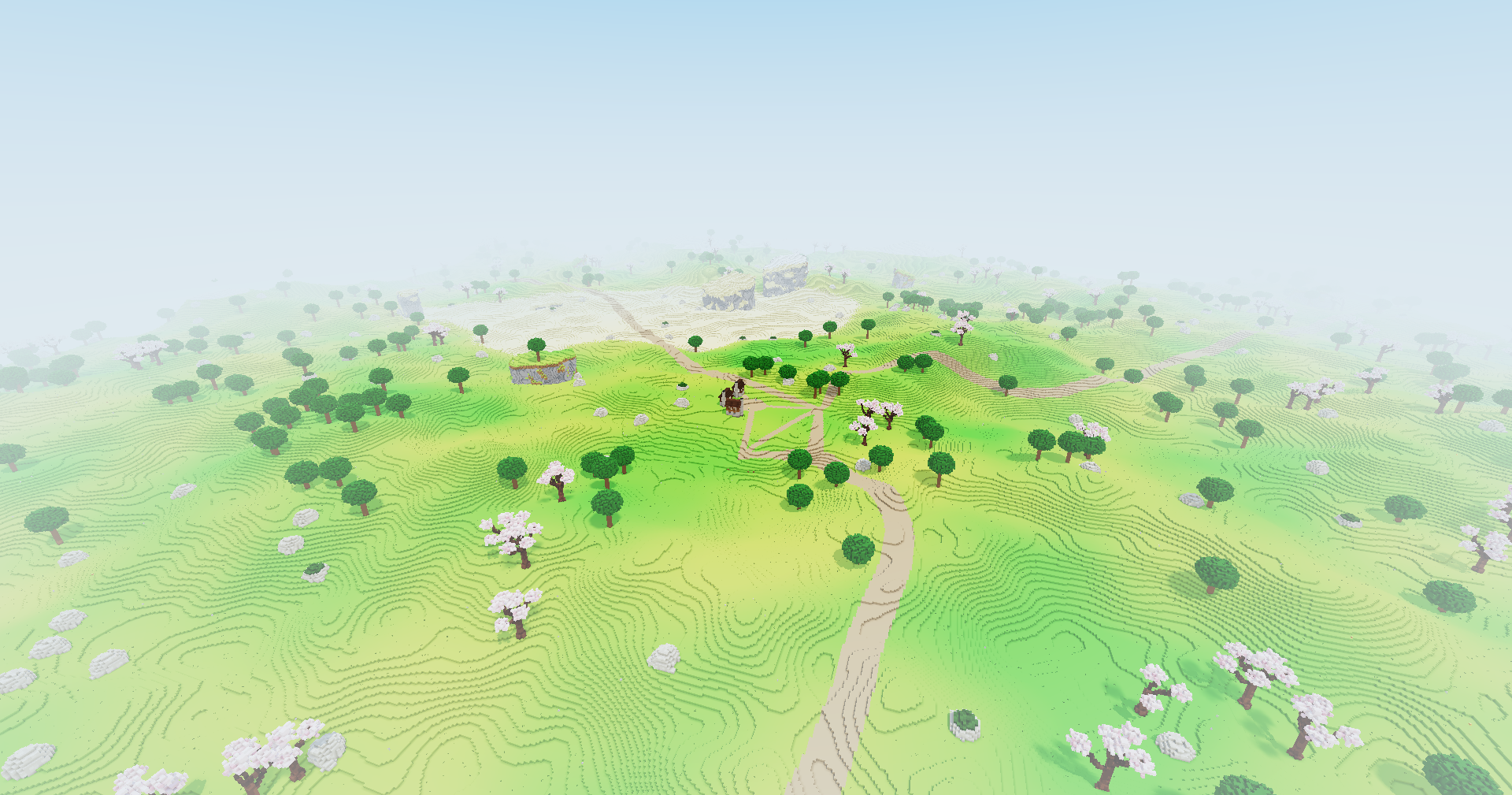
With it, the grid the sunlight is traced through now has a cell for every block instead of finer ones. Only whole blocks ever filled it, so the shadows are the same and it takes a fraction of the memory.
Cheaper light, same look
Next came a day of making the light cost less without looking worse:
- The land is drawn nearest first, so anything hidden behind it is skipped before the lighting is worked out for it.
- A ray of sunlight that climbs above the highest land in sight stops there: nothing above can shade it.
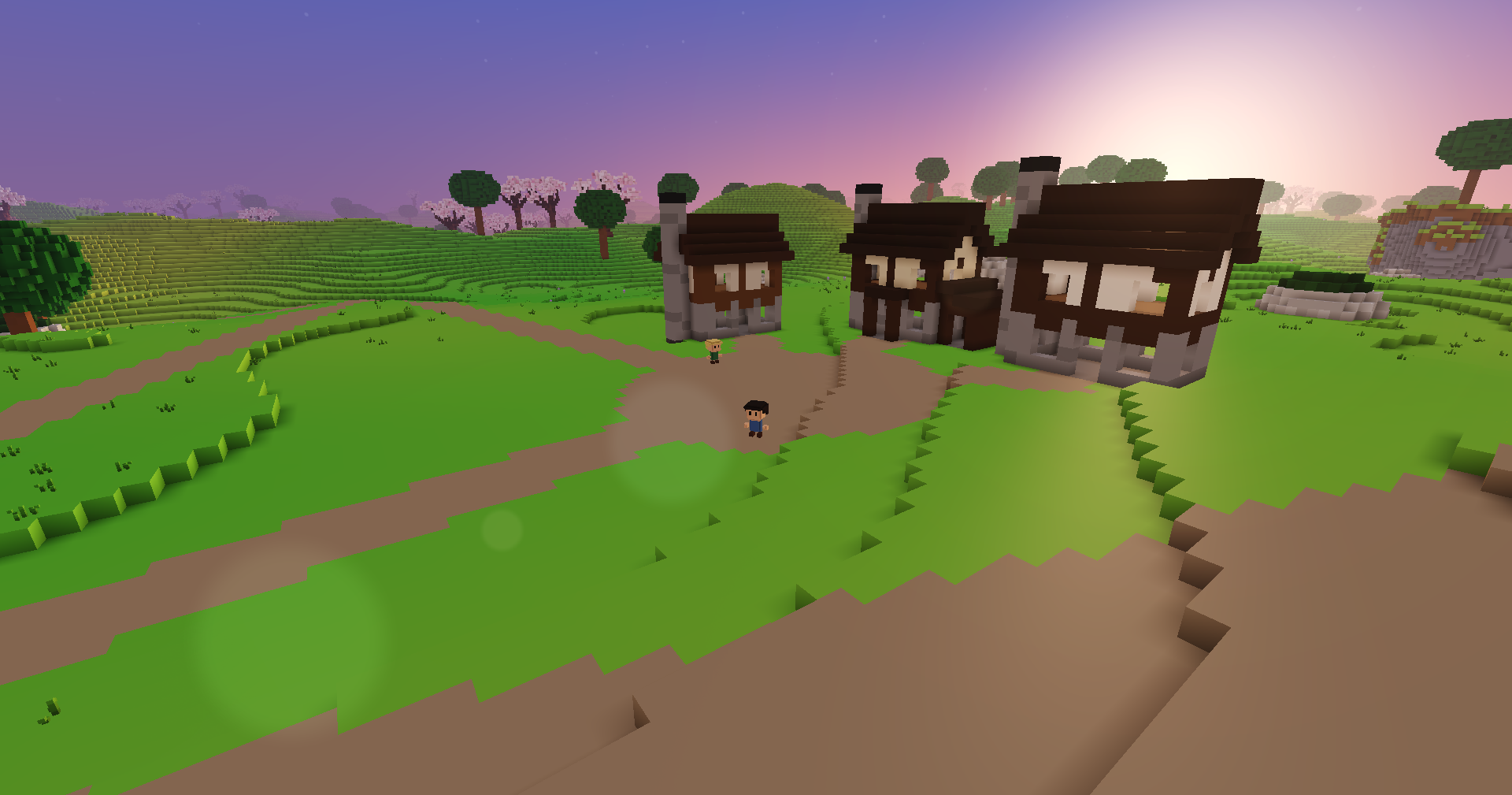
- When the sun is low, shadows fade out as it nears the horizon, and once it is low enough they are not worked out at all. Those long, low rays were the costliest, and evening light now goes soft instead.
Shadows that soften with length
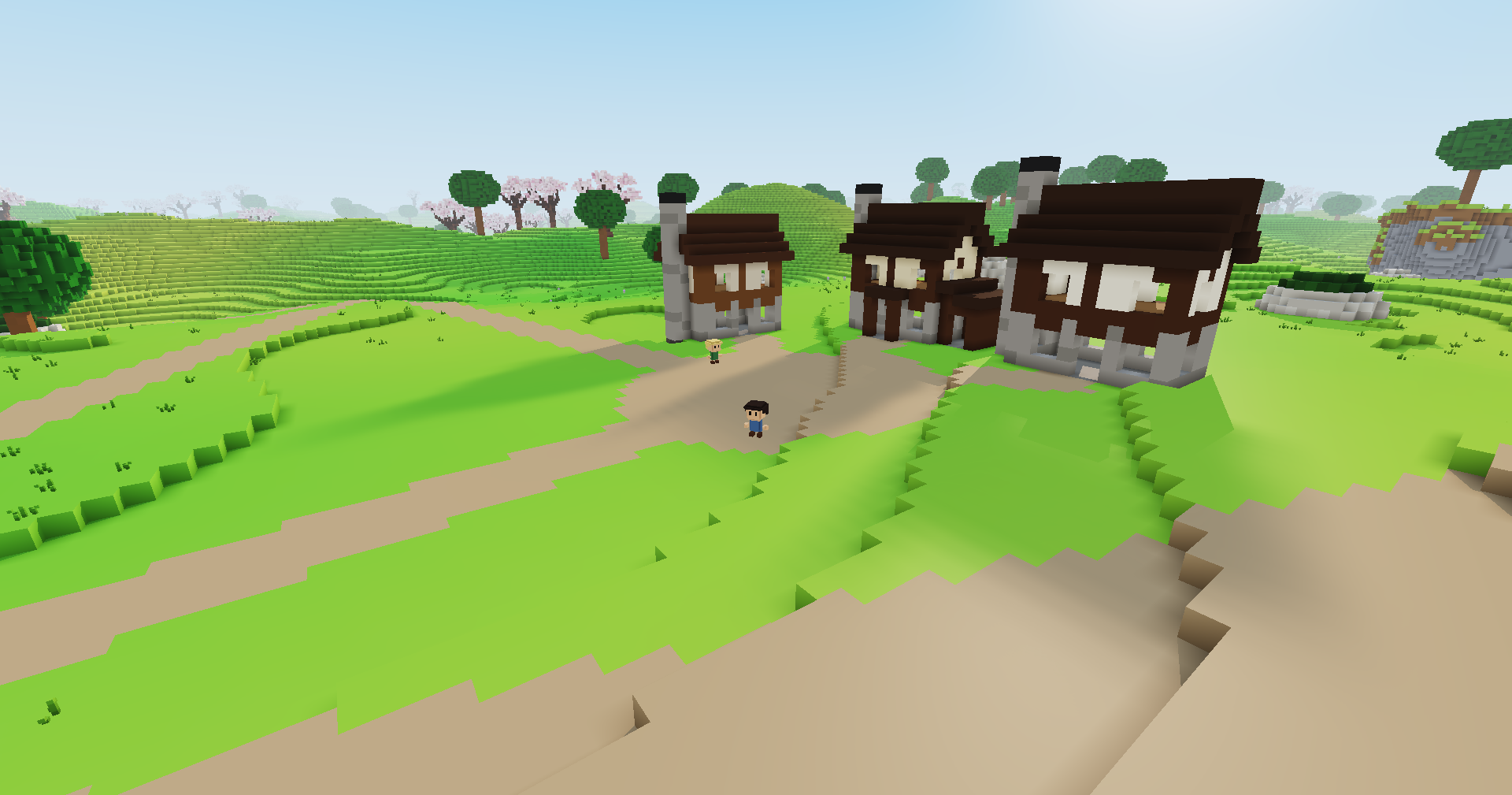
Shadows used to be sharp all the way out, and stopped short past a point. Now they start crisp right at whatever casts them and soften evenly the farther they reach, the way real shadows do, and they never get cut off. A house in the late afternoon throws a long shadow with a clean edge at its wall and a blurred one at its tip.
Thoughts or feedback? I'd love to hear them at thewonjdev@gmail.com.