Devlog 2: cliffs, caves, and a chat that takes commands
A long day on the voxel RPG. The land got a new shape, bodies and the camera got a lot more solid, and a few tools arrived for getting around and looking under the hood.
Land that can overhang
Until now the ground was one height per column, which meant no overhangs, no caves and nothing to walk under. Each column is now a stack of solid stretches, so land can sit on top of air.
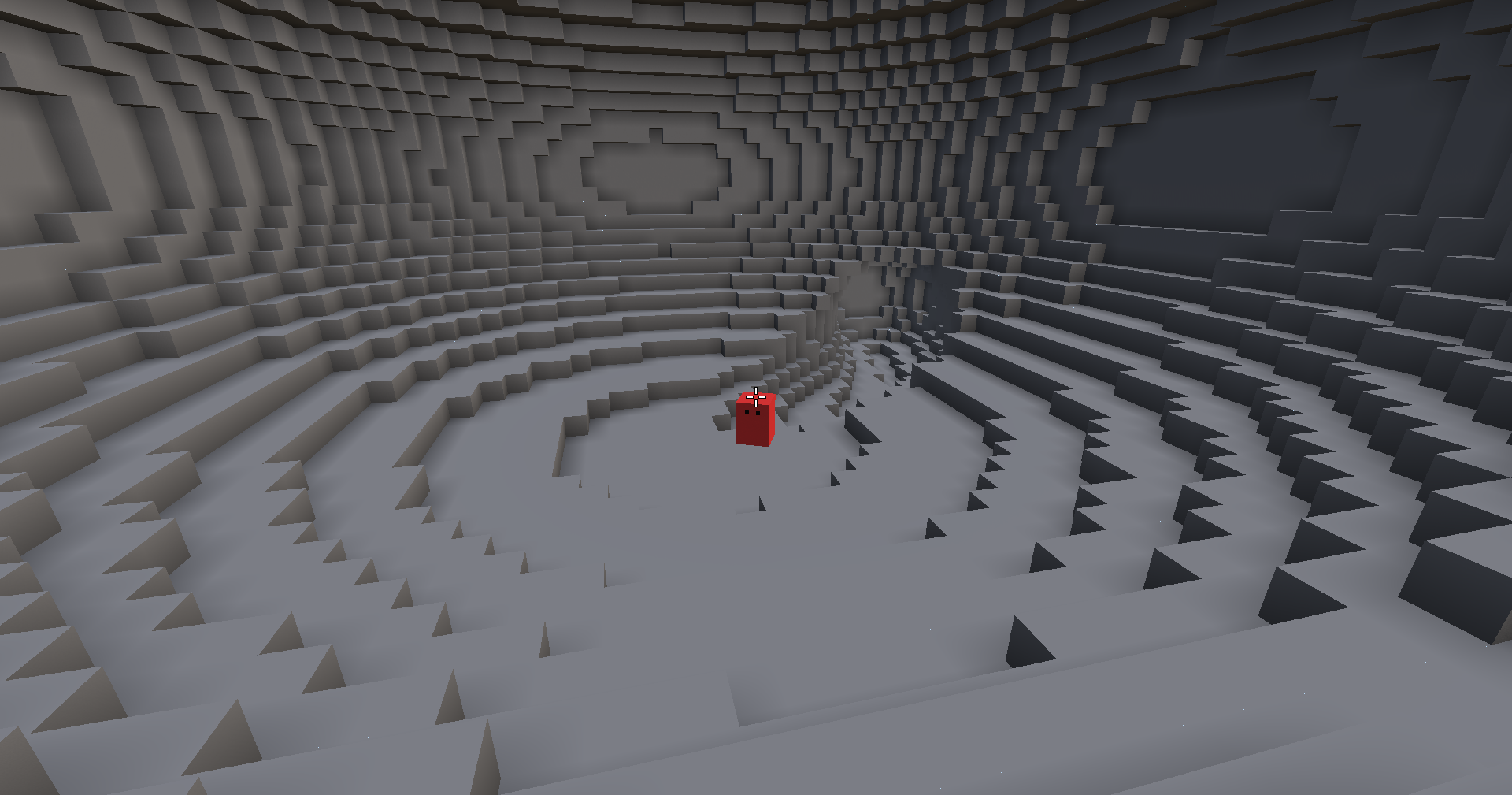
Cliffs are placed landmarks: gently bulging outlines that rise above the hills around them, with walls pushed into overhangs and the occasional arch. Most are modest; the big ones are rare.
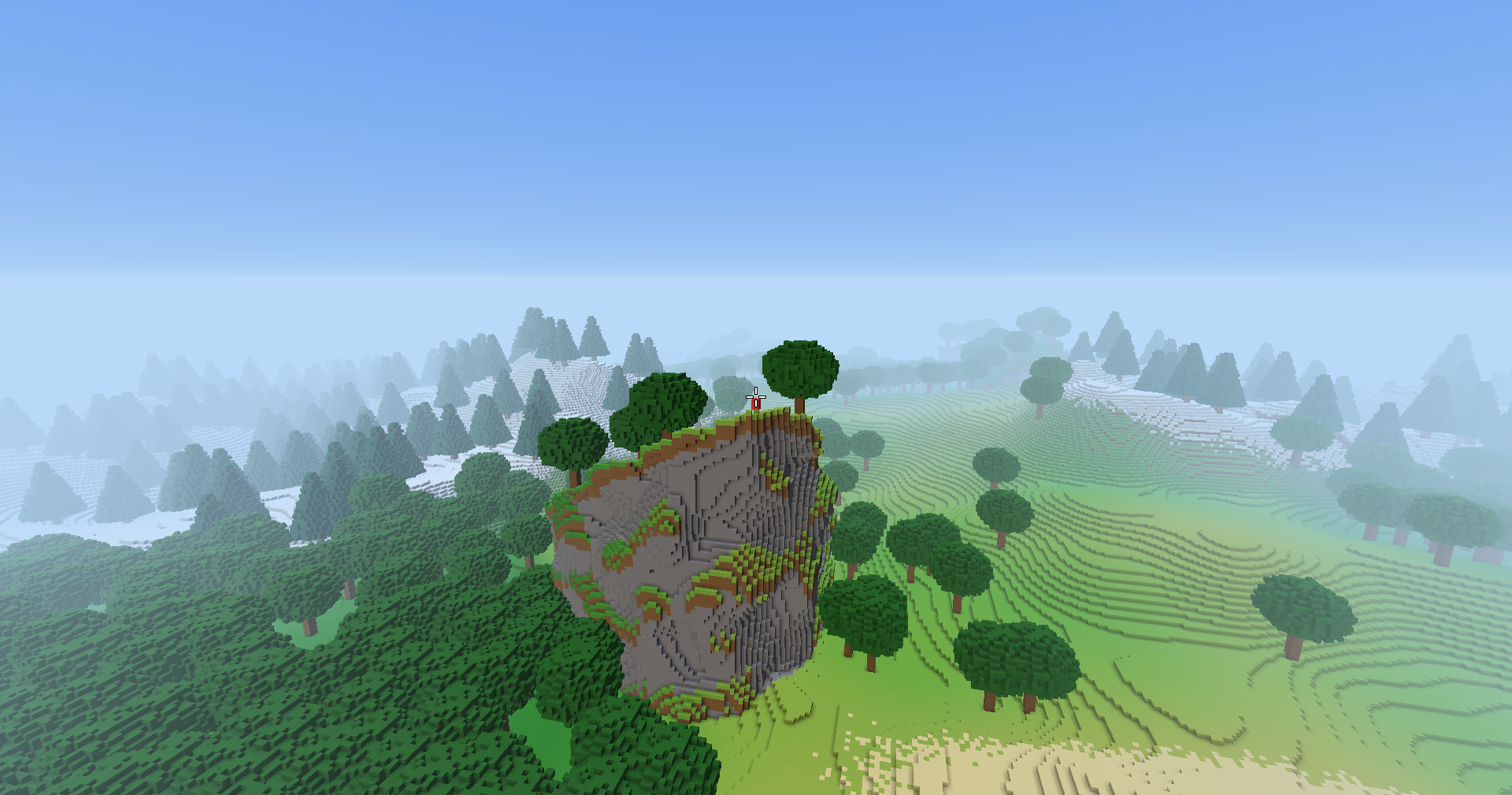
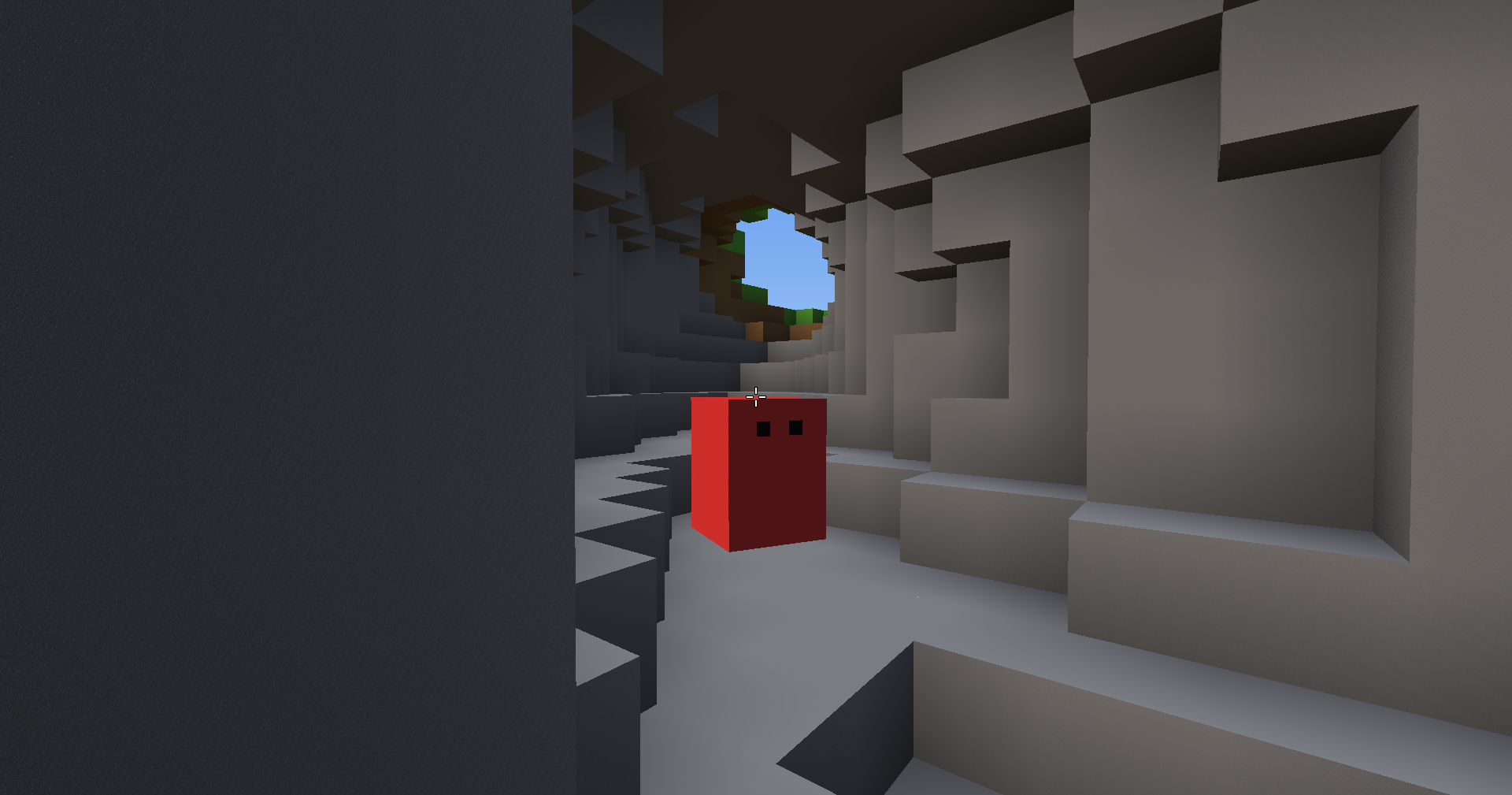
Caves are rare, mostly level systems: winding tunnels that open into wide chambers, with their mouths on slopes.
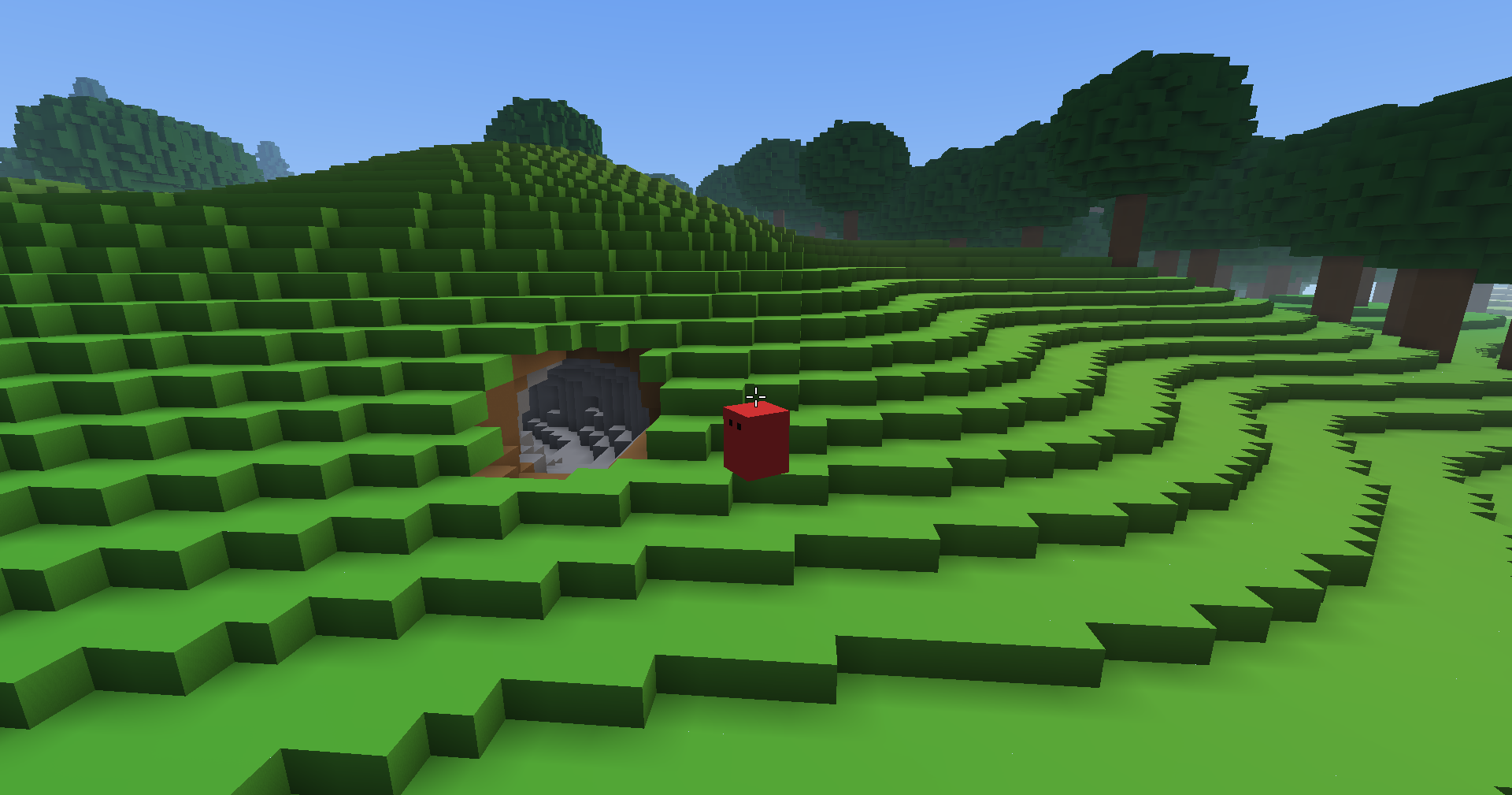
Trees are now part of the land itself, every voxel solid, so you can stand on a canopy or get stopped by a trunk. Floating islands were tried too, and are switched off for now until they get a better approach.
Physics that ends flush
Everything a body can bump into is now a box, and movement is swept against those boxes one axis at a time. A body stops exactly at contact: flush against a wall, sliding along it when coming in at an angle, and landing exactly however fast it falls. Steps still feel as they did.
A camera with weight
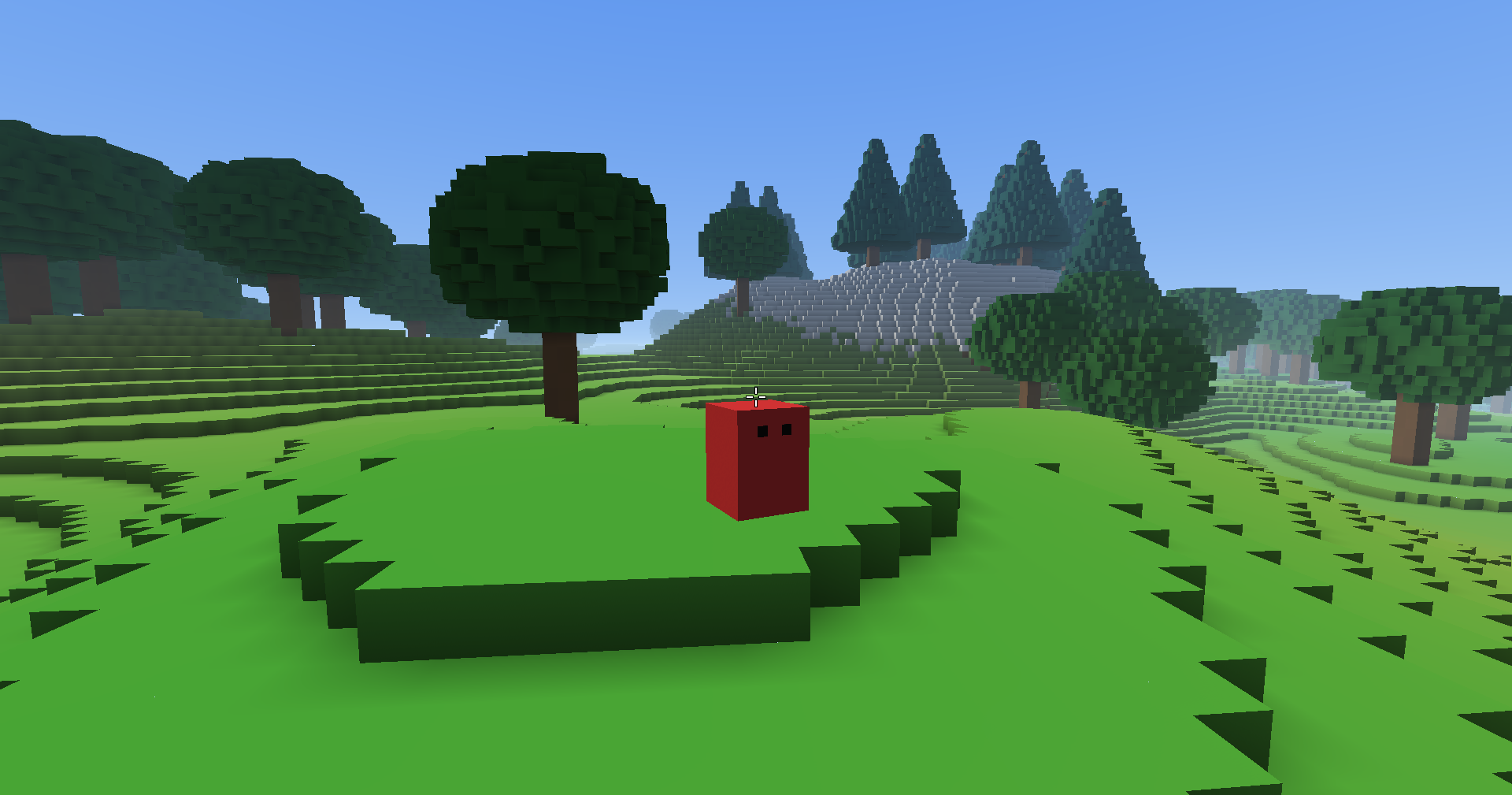
The camera now follows a point of its own that chases the player, instead of riding every little step. It drifts up and down smoothly, settles gently after stopping, and lags a touch setting off, while turning stays instant. When ground blocks the view it still pulls in at once, but now eases back out instead of snapping. Under a low canopy it drops in close, and the player fades out rather than filling the screen.
Flying, and a chat that takes commands
Double-tap Space to fly, much like a creative mode: hold Space to rise, Ctrl to sink, and land to stop.
T opens a chat panel at the bottom left. Lines starting with a slash are commands:
- /tp x y z to teleport (leave out y to land on the ground)
- /where and /seed to ask where you are and which world this is
- /speed to run faster for getting around
- /wireframe, also on F3, to see the triangles the world is drawn with, in their own colours
Drawing the same world with less
Neighbouring faces of the same colour are now merged into larger rectangles before they're drawn, so the same world takes noticeably less to draw. The soft shading in creases and corners moved onto the graphics card, where it blends smoothly across each face. Grass gets its colour from a small map per chunk, so it still drifts gently between shades while merging like a flat colour.
Objects that vary themselves
The Object Creator was simplified: an object is just its voxels, standing on a fixed origin, and its bounds grow and shrink with it. Then it got layers. Each layer can roll, per placed object, whether it appears, whether it's mirrored, how it's turned and how far it shifts, so one design can come out differently every place it's put. A Roll preview shows the outcomes right in the editor. The oak and pine are still a single plain layer each, so the variety is ready but not yet used.
Screenshots
F2 now saves a screenshot, in the game and in the Object Creator alike, exactly as it looks on screen.